

Have a code from your teacher? Play now!

About Us

We’re working towards a world where AI can be explored by teachers and students in a responsible and pedagogically-aligned way.
Socrat.Ai About Page Graphics Socrat new

Designed by Educators, Tested by Students

Socrat.ai combines cutting-edge generative AI technology and a user-friendly interface to create modern teaching and learning solutions. We combine frontier AI models with classroom-centered design to adhere to strict guidelines in order to ensure efficiency, safety, and maximized learning. We are constantly adding new features and analyzing the effectiveness of our tools to remain on the forefront of educational technology.

Features

A Socrat plan includes the following advanced features:

Robust Tool Library

Socrat incorporates the latest AI models to bring you an ever-growing library of tools, including Socratic dialogues, language learning activities, and personalized studying sessions, designed for teachers and students. These options include pre-made templates by our staff and fully customizable tool offerings!
1

Built-In Memory

Socrat has a built-in and customizable memory feature, allowing for the interface to use relevant information from previous conversations and student/teacher background information to maximize convenience and personalize learning by catering conversations to student interests.

2

Customizable Topics

Socrat is easily personalizable to suit the individual needs of teachers and students. With a simple form-fill entry, users can change topic, subject matter, assignment description, focus points, and much more to elevate learning potential.

3

Socrat Play

With Socrat Play, students can engage with Socrat within the classroom! Without the need for their own account, students simply type in a display name and assigned code, and they will be directed to the Socrat learning interface immediately, all while teachers monitor progress and guide student learning.

4

Teacher Monitoring

With Socrat, teachers have the flexibility to manage student groups, monitor live student progress and Socrat conversations, and adjust assignments and student instruction to ensure a smooth and safe educational experience.

5

Socrat Collab

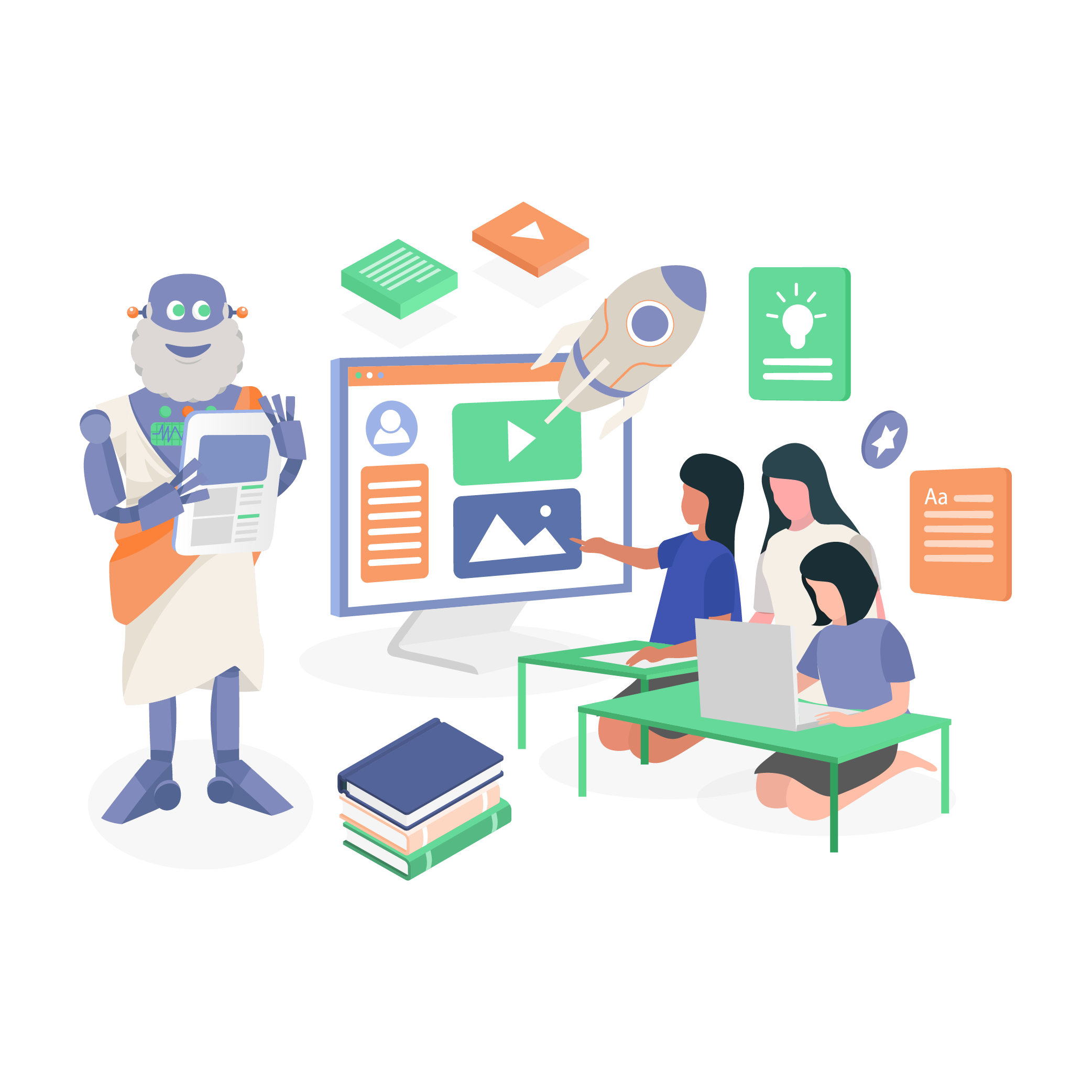
*NEW*: Socrat Collab allows teachers to create and monitor small group and whole class discussions and activities. Teachers will see a real-time report of student activity and helpful summaries of each group's output. Our AI summarization tool then synopsizes student work for easy grading.
6

Grade School to Grad School

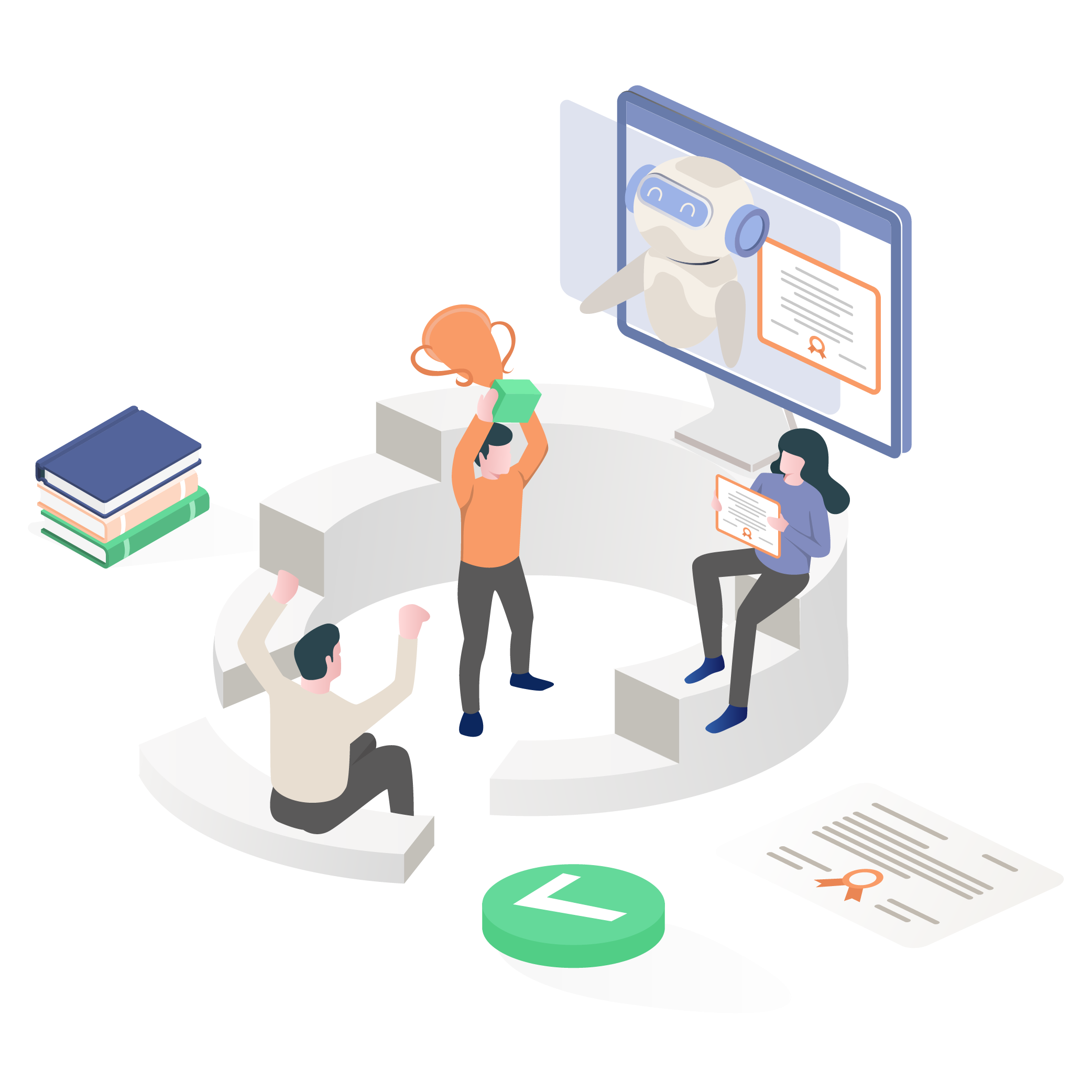
Socrat provides age-appropriate content that is designed for students based on grade level and subject area. Whether you’re teaching elementary school or graduate school, Socrat’s content is tailored to the needs of your students.
7

User Friendly Interface

Socrat is designed to be user-friendly, making it easy for teachers and students to navigate. Students can access their assignments from any device with an internet connection, making learning accessible from anywhere.

8

Features

A Socrat plan includes the following advanced features:
Customizable Topics
Customizable Topics

Socrat is easily personalizable to suit the individual needs of teachers and students. With a simple form-fill entry, users can change topic, subject matter, assignment description, focus points, and much more to elevate learning potential.

Grade School to Grad School

Socrat provides age-appropriate content that is designed for students based on grade level and subject area. Whether you’re teaching elementary school or graduate school, Socrat’s content is tailored to the needs of your students.

Built-In Memory
Built-In Memory

Socrat has a built-in and customizable memory feature, allowing for the interface to use relevant information from previous conversations and student/teacher background information to maximize convenience and personalize learning by catering conversations to student interests.

Teacher and Parent Monitoring

With Socrat, teachers have the flexibility to manage student groups, monitor live student progress and Socrat conversations, and adjust assignments and student instruction to ensure a smooth and safe educational experience. Parents can create a free account to monitor their child's progress and all interactions with our AI tools.

Robust Tool Library
Robust Tool Library

Socrat incorporates the latest AI models to bring you an ever-growing library of tools, including Socratic dialogues, language learning activities, and personalized studying sessions, designed for teachers and students. These options include pre-made templates by our staff and fully customizable tool offerings!

Socrat Play
Socrat Play

With Socrat Play, students can engage with Socrat within the classroom! Without the need for their own account, students simply type in a display name and assigned code, and they will be directed to the Socrat learning interface immediately, all while teachers monitor progress and guide student learning.

Socrat Collab
Socrat Collab

*NEW*: Socrat Collab allows teachers to create and monitor small group and whole class discussions and activities. Teachers will see a real-time report of student activity and helpful summaries of each group's output. Our AI summarization tool then synopsizes student work for easy grading.

Socrat Write
Socrat Write

With Socrat Write, teachers can design personalized feedback plans for student writing assignments.

FAQs

A chatbot is a computer program that uses artificial intelligence to simulate conversation with human users. Socrat is designed to engage students in classroom discussion and learning, providing personalized learning experiences that are tailored to their individual needs.

Socrat can be used in a variety of ways in the classroom, including Socratic dialogs, language learning activities, and personalized tutoring sessions. Teachers can assign topics tailored to their classroom needs and provide student-facing instructions. Students can access their assignments from any device with an internet connection and engage in conversation with Socrat.

Yes, Socrat is designed with K-12 students in mind and provides age-appropriate content that adheres to educational standards. Whether you’re teaching elementary school or high school, our chatbot interface can help you create a personalized learning environment that meets the needs of your students.

Socrat provides transparent progress monitoring for teachers. Teachers can view their students’ transcripts, track their progress, and ensure they are staying on task. With this feature, teachers can create a supportive learning environment that helps their students succeed.

Yes, Socrat is designed with safety in mind. All content is age-appropriate. We also provide a reporting feature for students and teacher to flag any content that is incorrect or problematic. Our platform is also secure and compliant with industry-standard data privacy regulations. We also encourage teachers and students to learn about AI safety and ethics as we continue to learn what role these tools will play in education.

Socrat provides teachers with a tool for creating personalized learning experiences that can improve student engagement and academic outcomes. The transparent progress monitoring feature allows teachers to track their students’ progress and ensure they are staying on task, while Socrat can provide real-time feedback and support.

Of course! Many of our tools are designed specifically for higher education students and instructors. Be sure to visit our Tool Library to see how Socrat can amplify the higher education learning and teaching experience.

Yes! We understand and respect that each institution has their own distinct data privacy and security policy. At Socrat.ai, we are willing to sign individualized policies in order to demonstrate our commitment our client institutions and their right to privacy.

Socrat uses the latest artificial intelligence to provide personalized learning experiences for students. Whether you’re struggling with a particular subject or looking to dive deeper into a topic, Socrat can provide personalized feedback and support to help you succeed.

Yes, Socrat is designed to be user-friendly, making it easy for teachers and students to navigate. Students can access their assignments from any device with an internet connection, making learning accessible from anywhere.

Socrat is designed to work alongside existing curriculum, providing a flexible tool that can be integrated into any lesson plan. Teachers can assign topics that align with their current curriculum, and Socrat can provide personalized learning experiences that support student learning goals.

Socrat provides personalized learning experiences that can benefit students who struggle with traditional classroom settings. Socrat also allows for self-paced learning and provides a non-judgmental space for students to ask questions.

Yes, Socrat is designed for remote learning and can be accessed from any device with an internet connection. Teachers can assign topics and provide student-facing instructions, and students can engage in conversation with Socrat from the comfort of their own homes.

Visit our pricing page to see our current plans! We offer a variety of plans to meet the needs of different types of schools and educational organizations. Our pricing is transparent and designed to provide value to our customers.

Socrat is designed for teachers and students of a variety of grade levels and subject areas. We are committed to providing elevated learning experiences to individuals throughout the educational community!

AI Safety Briefing

At Socrat.ai, we are committed to the responsible development of AI tools and technologies. As part of our commitment to safety and transparency, this briefing outlines the potential risks associated with AI systems, including our own, and the measures we take to mitigate these risks.

We understand the importance of transparency and oversight in educational environments. Socrat.ai provides educators with the ability to monitor student learning and progress. Our tools, including Socrat Play, help educators ensure that the AI is used appropriately and effectively, enhancing the learning experience while safeguarding the educational process.

Protecting user privacy and securing personal information are paramount at Socrat.ai. We adhere to strict data protection protocols to ensure that all user data is handled with the highest degree of security. We do not sell any user data nor do we use personal data to train our or other AI models. Our AI is trained on a broad and diverse set of data sources that are completely unrelated to our users’ personal data, ensuring that the integrity and privacy of user information are maintained at all times.

One of the inherent challenges in all current AI technologies, including those used in Socrat.ai, is the risk of generating inaccurate or misleading information, commonly referred to as “hallucinations.” This can occur even with advanced models, as the AI attempts to generate helpful responses based on the patterns it has learned from the training data. While we continuously work to improve the accuracy of Socrat.ai, we acknowledge that it may occasionally produce non factual or unintended content. We encourage educators to explain these risks with their students, and for all parties to critically evaluate AI-generated information, utilizing it as a complement to traditional teacher-led learning.

As we continue to advance in our AI capabilities, we remain vigilant about the ethical implications and potential risks. Our dedication to improving Socrat.ai responsibly is driven by our core values of trust, transparency, and user safety. We are committed to delivering a reliable and secure AI tool that supports educational goals and fosters a safe and responsible learning environment.
By openly discussing the potential limitations and challenges of AI, and by implementing rigorous safety and privacy measures, we aim to build trust with our users and create a more informed and cautious approach to AI interaction.

Our Team

Along with our team of designers and developers over at Pedagogy.Cloud, Socrat is brought to by:

CEO

Priten Shah

Director of Curriculum & Instruction

Nina Bamberg

Operations Manager

Anthony de Marte

Product Analyst

Jay Pier

Graphic Designer

Joan Manaloto
Contact Us

Fill out the form below and we will contact you as soon as possible!

SOCRAT.AI

Socrat.ai Write & How to Use it

Let Socrat.ai Write be your on-demand writing coach: refining essays, clarifying ideas, and supporting language learners with personalized feedback in any subject.

Writing Feedback

Help every student gain feedback on their writng. With Socrat.ai, they can gain insights into efficient writing structures and adjust their essays for maximum clarity.

Two Assignment Types

Language Writing Feedback

Everything our writing tool does, but in various langauges.

Scroll to learn more about each assignment type!

How Writing Feedback can help your classroom

Many students struggle to improve their writing because they don’t receive timely, personalized feedback.

Teachers spend hours grading and commenting on student writing, with little time left for instruction.

English learners or struggling writers get left behind in one-size-fits-all writing feedback systems.

Write gives every student instant, actionable feedback—so they can revise and grow as writers without waiting for teacher comments.

Write automates thoughtful feedback, freeing up teachers’ time while ensuring every student gets the support they need.

Write adapts to each student’s needs, including multilingual support, ensuring equality in writing development.

How to Use Writing Feedback to Coach Student Writing and Language Skills

1

Click on “New Assignment” and Socrat.ai Write to find the Writing Feedback assignment

As you are creating the assignment, fill out the title, due date and a detailed description of the topic of the assignment so that Socrat can best provide feedback to students.

Here is what an assignment looks like from the student view. Click the Ask Socrat.ai button to gain feedback

Once the student has pressed the ask socrat.ai button – they will receive actionable feedback to then update their response.

Once the student is done editing their response, they can click submit to hand in the assignment which will then be ready for the teacher to review.

How to Use Language Writing Feedback to Coach Student Writing and Language Skills

1

As you are creating your language assignment you will have the option to choose the target language, the specific focuses of the assignment and what language you want socrat.ai to give feedback in.

Here is an example of what the assignment will look like in student view – the feedback is in the target language.

SOCRAT.AI

Socrat.ai Pulse & How to Use it

Let Socrat.ai Pulse be your go- to engagement tool to spark curiosity, check understanding and energize participation. All in real time.

Think Pulse Share

Use quick, interactive questions to gauge student understanding, get instant feedback, and keep everyone engaged. Pulse makes formative assessment effortless and fun.

How Think Pulse Share can help your classroom

Teachers rely on hand-raising or cold calls, which only capture a few student voices.

It’s hard to tell what students are actually understanding in the moment.

Engagement drops during lecture-heavy moments.

Pulse gives every student a voice with real-time check-ins and interactive polls.

Instant feedback reveals learning gaps as they happen, so you can adjust instruction on the fly.

Pulse keeps energy high with live, low-stakes participation that sparks curiosity.

How to Use Think Pulse Share to check classroom understanding

1

Click on “New Assignment” and Socrat.ai Pulse to find the Think Pulse Share assignment

As you are creating the assignment, you have the option to turn on “Automatic mode” which would allow students to progress through questions, either when they are done themselves or when the entire class has completed a question.

You can ask your questions here. The details section will show underneath

At the end of assignment creation you will have the option to turn on ai feedback! This will allow the students to check their answers with socrat ai.

Students can use this assignment without having account by simply sharing this code in socrat play or sharing the link.

Here is a sample response on the student side showing the feedback that socrat provides.

FAQs

Use open-ended, short answer, or multiple-choice to check for understanding.

Yes, you can choose to hide names when displaying answers.

No ACCOUNTS ARE REQUIRED –

students can access pulse using a code.

No, it’s designed for real-time engagement and formative feedback, not grading.

SOCRAT.AI

Socrat.ai Collab & How to Use it

Let Socrat.ai Collab be a real-time classroom companion that helps you check understanding, support collaboration, and get students ready to participate.

Discussion Warmup

Help every student feel ready to participate. With Socrat.ai, they can draft their thoughts, get instant feedback, and polish their ideas, so their in-person discussions start strong.

How Discussion Warmup can help your classroom

Many students stay silent in discussions, not because they lack ideas, but because they lack confidence in how to express them.

Classroom discussions often benefit only the most vocal students, leaving quieter voices unheard.

Teachers spend too much time prompting students or coaxing them to speak.

Gives students a safe space to organize and refine their thoughts before speaking, making class participation more inclusive and productive.

Levels the playing field by helping all students prepare and participate with confidence.

Students arrive to class discussion with fully-formed, well-reasoned points, saving teachers time and creating more dynamic conversations.

How to Use Discussion Warmup to Facilitate Classroom Discussions

1

Click on “New Assignment” and Socrat.ai Collab to find the Discussion Warm Up assignment

As you are creating the assignment, you have the option to turn on “Group Mode” which would allow students to work together and see a summary of each other’s responses after they submit their response.

Once on group mode, you have the option of assigning different questions for each group to answer!

To assign students in group mode, go to your dashboard and click on the assignment to see this page, where you can assign students into different groups.

Once students are satisfied with their answers, they can submit to the group. Group members would be able to view the answers of other members, and receive a summary compiled by Socrat.ai.

On the student side, they can check their answers with Socrat.ai and polish their ideas before joining the larger class discussion, building confidence and engagement in the classroom.

Go to the dashboard and view student submissions by clicking “Submissions.” To receive an AI-generated summary of the class’s responses, click on “Summaries.” Lastly, scroll down to monitor how students are doing in real time!

SOCRAT.AI

Socrat.ai Chat User Guide

What is Socrat.ai Chat?

Chat-bot based assignments

Allows students to explore new
topics and enhance critical
thinking.

Pre-made templates


Such as Socratic Dialogue and

Debate-a-bot to streamline the
process for teachers.

Immersive learning


Students can talk to a historical

figure or be challenged on their
views on healthcare!

How to get started with Socrat.ai Chat

1

Click on “New Assignment” and Socrat.ai Chat to find all the Chat assignments that we have available


Select from the 10+ assignment types that best fit what you are envisioning or customize your own
assignment through “Not Sure Where to Start?” and “Have a Prompt Already”

If you are not sure where to start, chat with Socrat to workshop an idea together.

If you have a prompt, Socrat will work with you to finalize it into an assignment.

Within each assignment, you also have the option to use pre-existing templates or customize to your class!

Edit the assignment by filling in important information and then click “Assign” so that your students can get started


Students can access the assignment by logging in with a Play code provided by their teachers for in-class use or by logging into their accounts to complete their assignment anywhere (Extended Plan only).

Monitor how your students are doing by clicking on the assignment to see this monitoring dashboard